OXOKE

Cricket OBS Feature Section
🔊 Tap for Sound
🎙️
AI Voice NEW!
⚡ Ready in Just 5 Minutes

StreamFlow – Ai
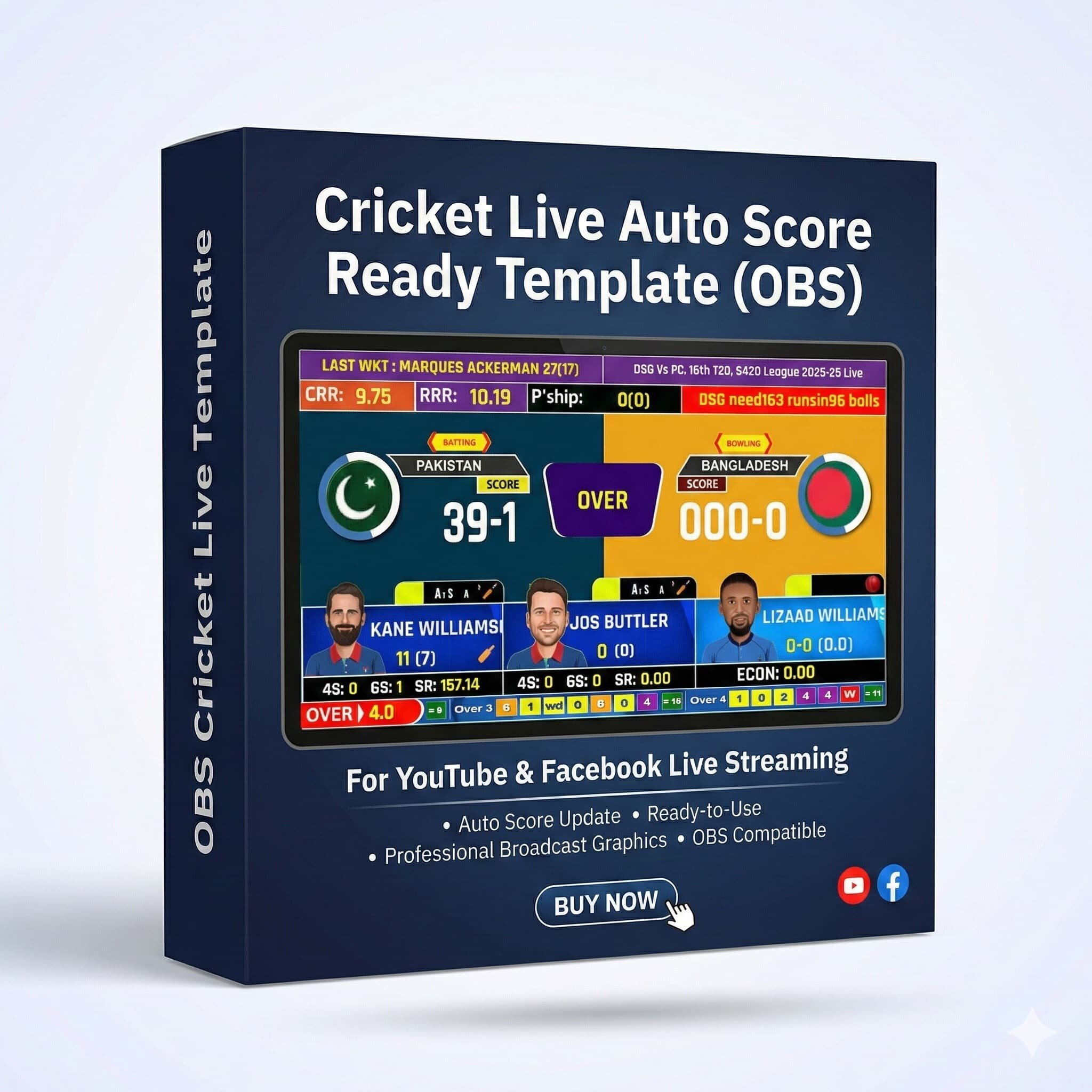
Live Cricket Scoreboard Overlay — For YouTube & Facebook

With Auto Score included! Live scores update automatically — no manual linking needed. Comes with Lifetime Access & a full video setup guide.

  • Auto Score Update — just select the match and scores update live
  • 🎙️ AI Voice Over — Unlimited Auto Commentary, now included
  • Stream to YouTube & Facebook simultaneously
  • Lifetime Access + full video guide with complete support
  • No coding knowledge required — fully professional broadcast
🏏 Even a first-time user can go live in under 5 minutes.
✅ Get Started Now — Go Live in 5 Minutes
Price Section
NEW OFFER
Price:
68% OFF
What You Get Section
Cricket Live Template Preview
Pro Template

What's Included

  • Ready-to-Use Cricket Live Template Open OBS and go live instantly — no setup hassle
  • Auto Score Update System Scores update automatically — no manual input needed
  • Video Tutorial Included Easy to follow — perfect even for first-time users
  • 1-Year Template Access Full access to the template for one year from purchase
Get Started Today — Instant Download
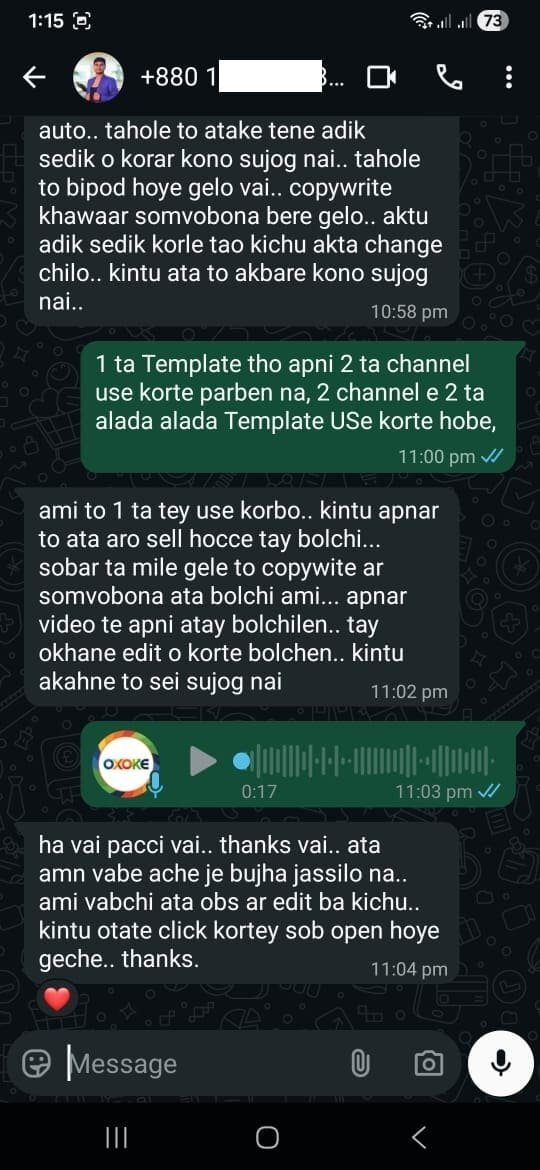
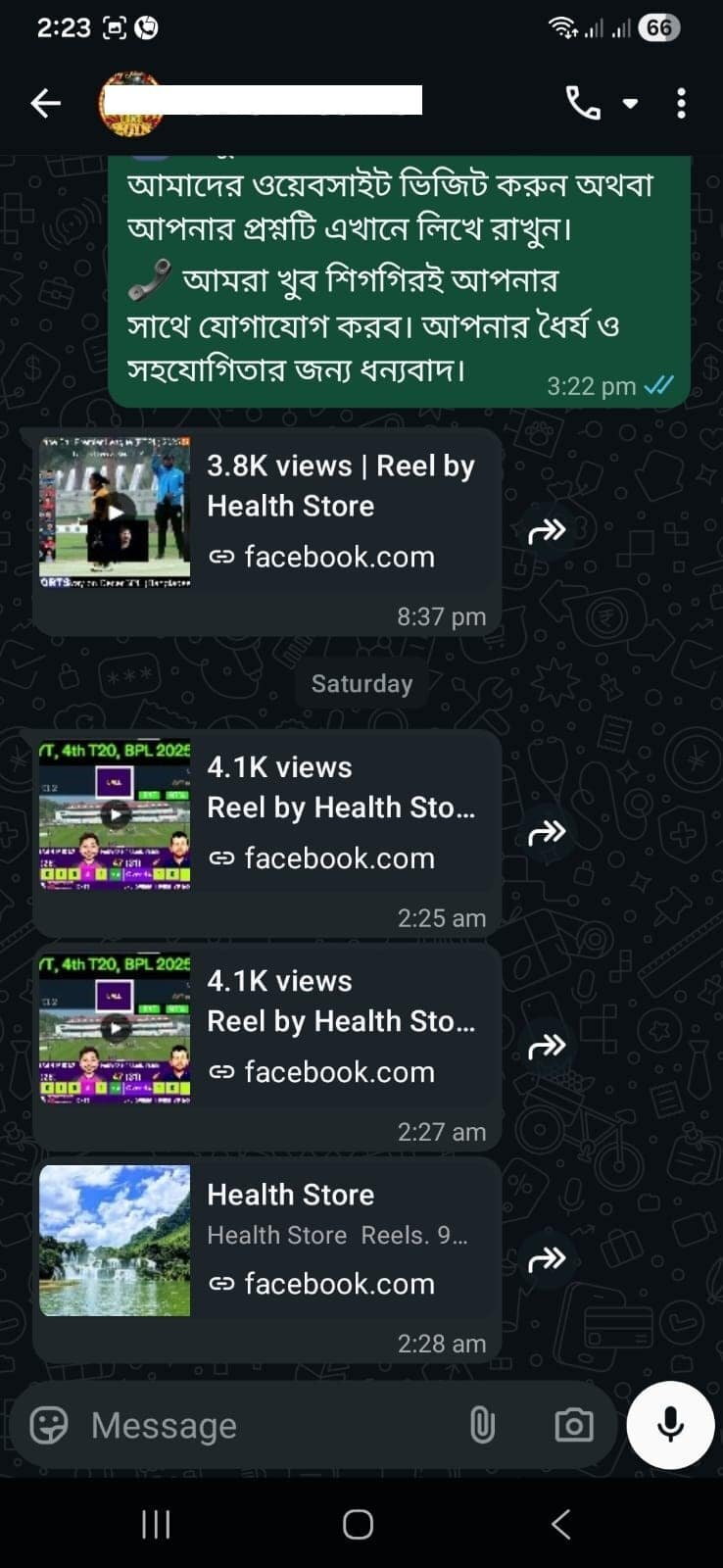
Community Reach

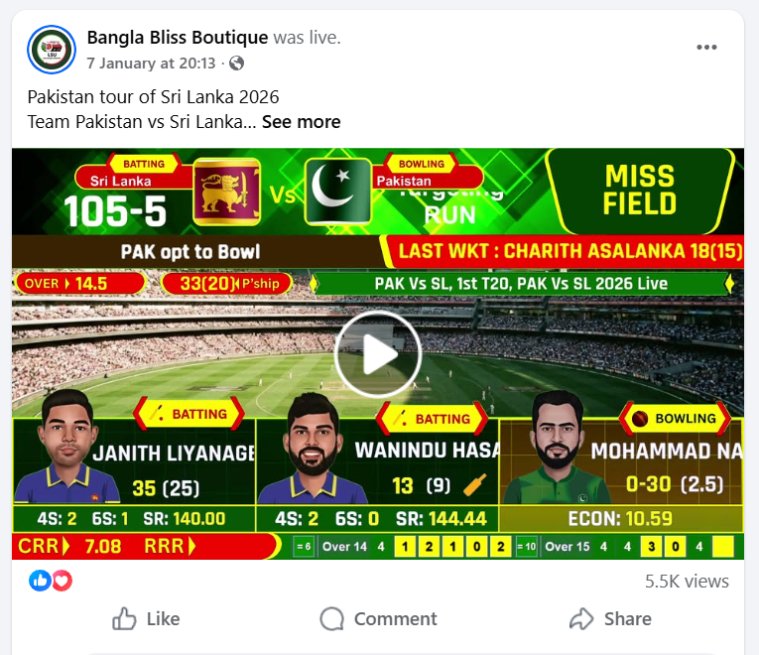
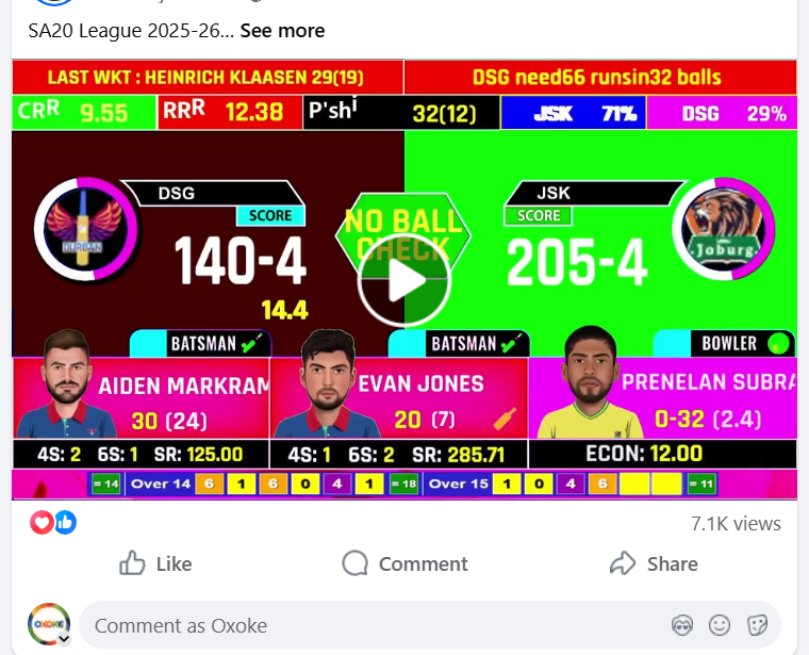
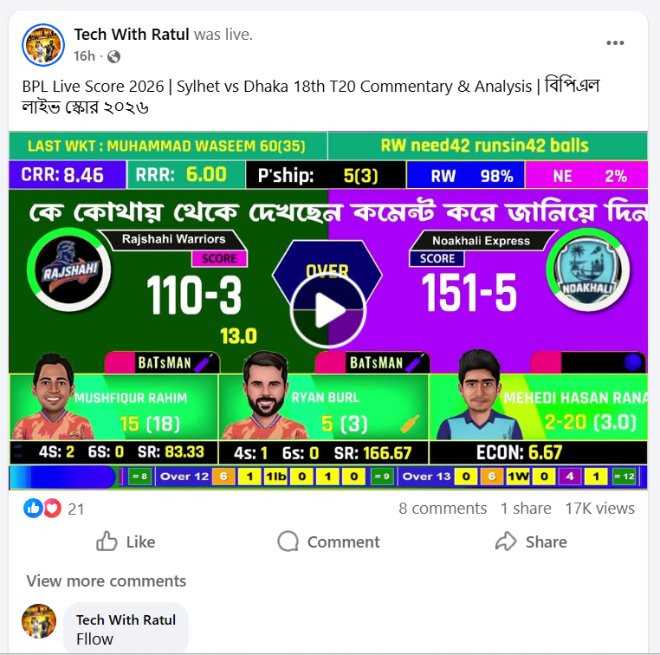
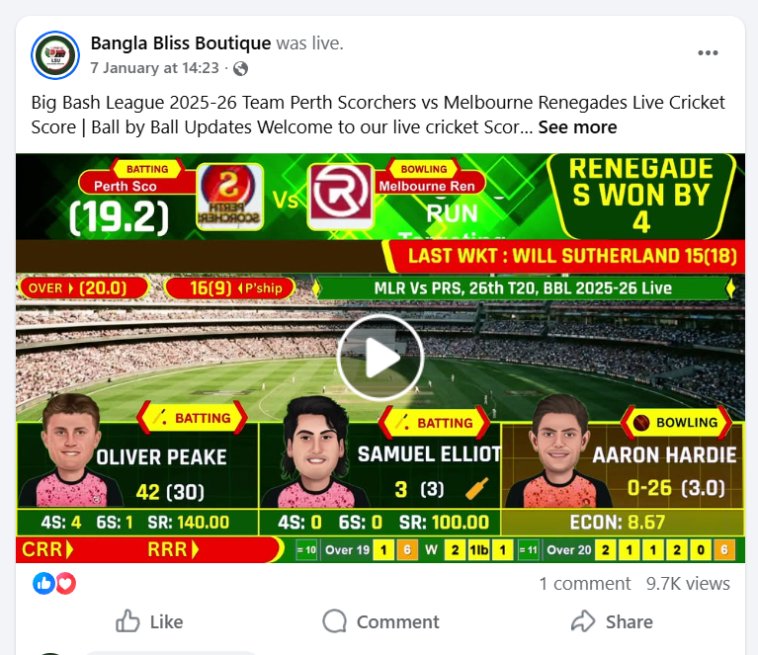
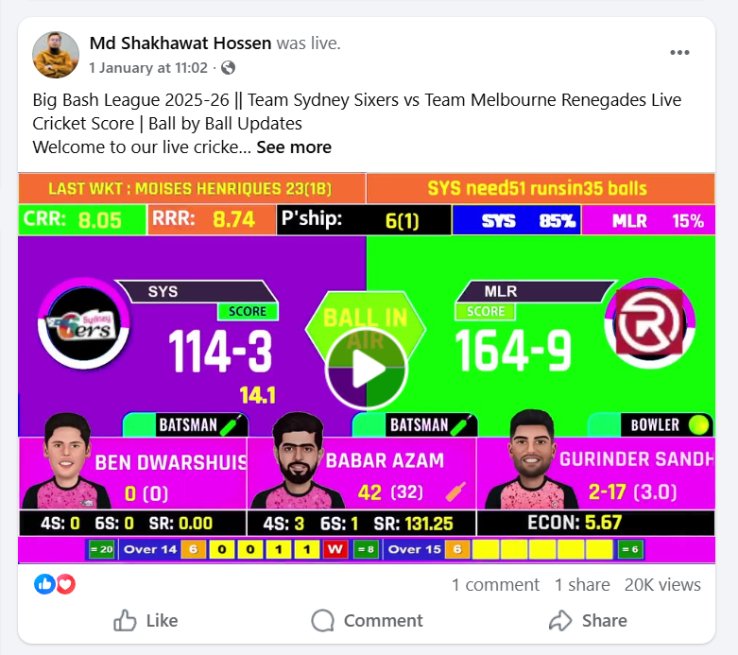
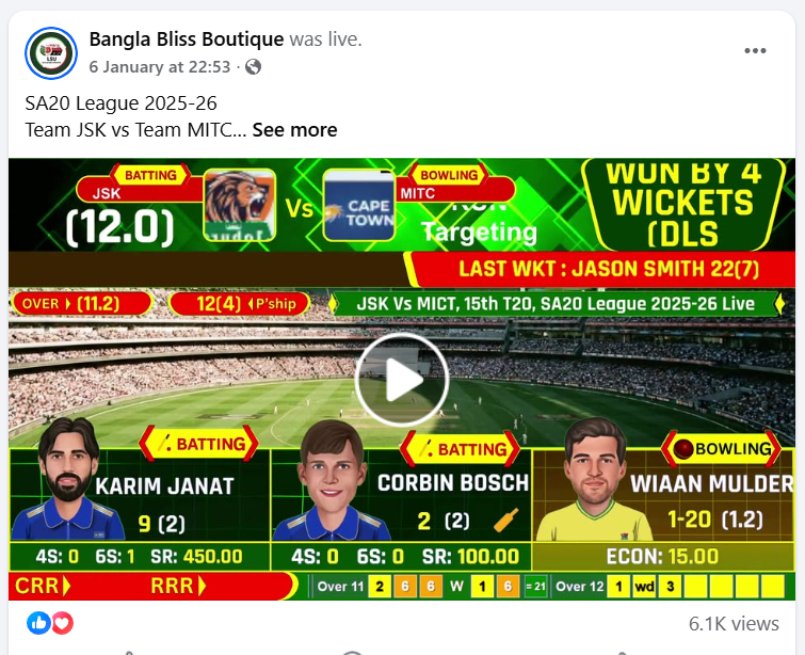
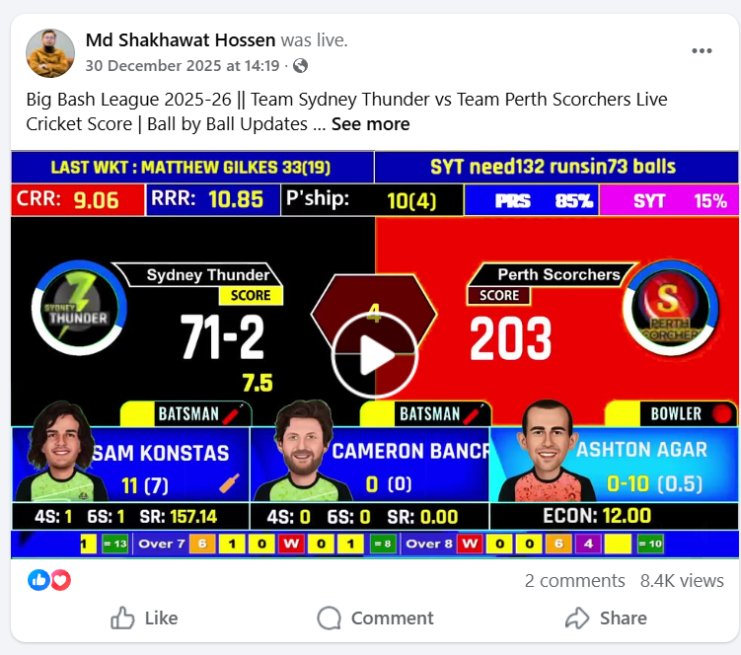
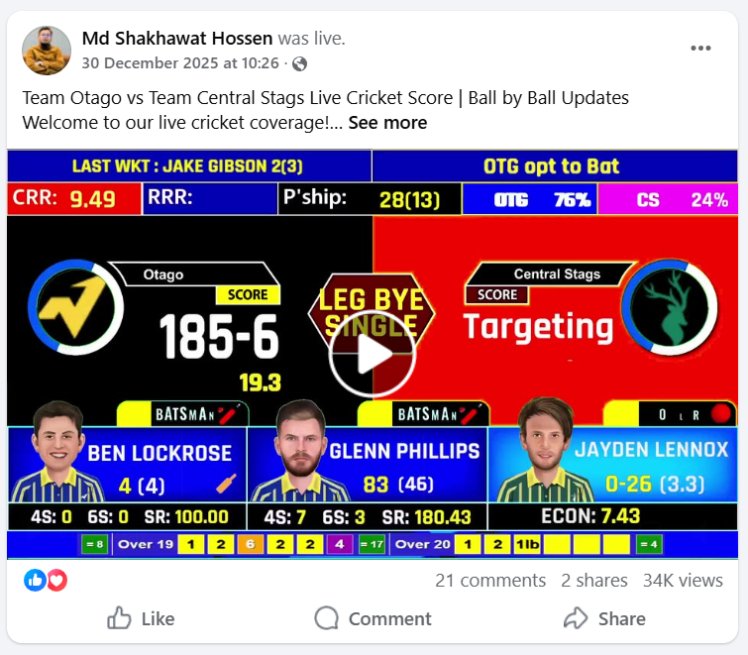
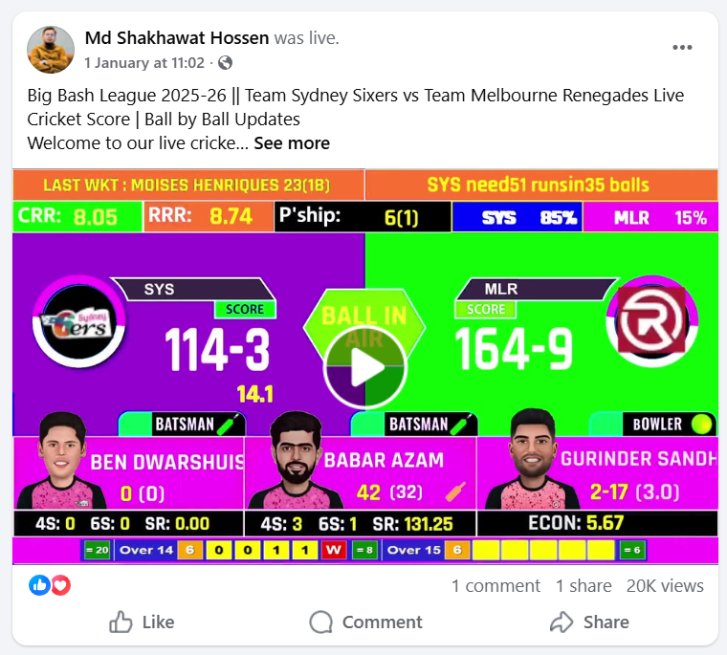
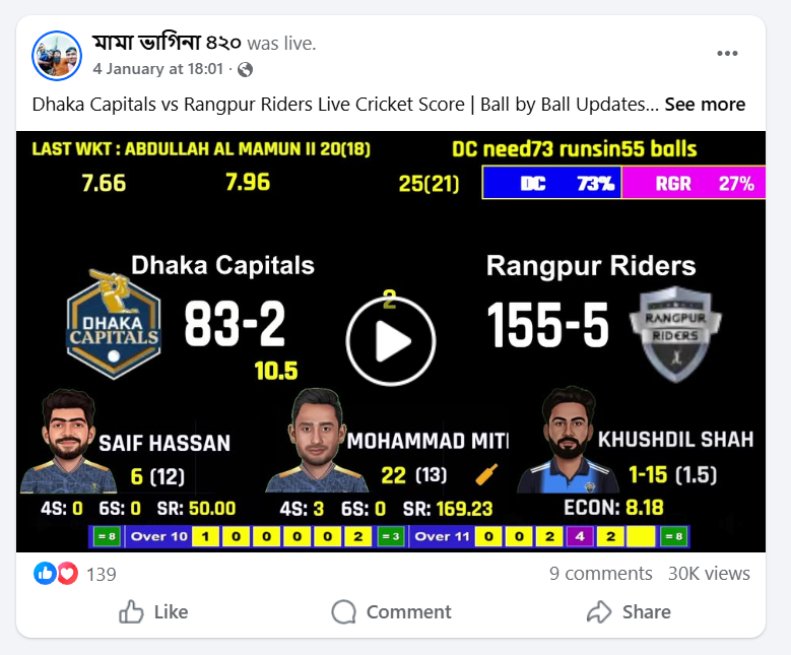
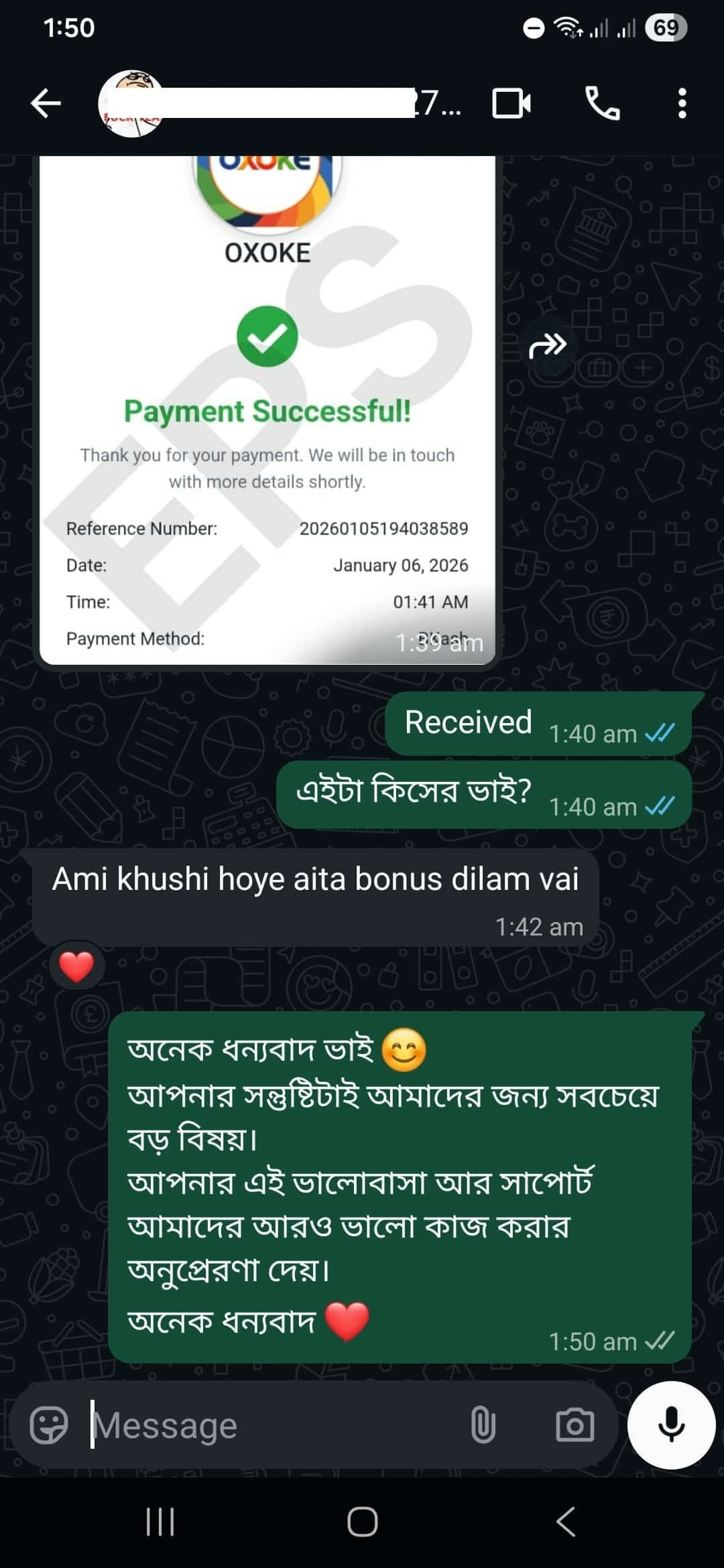
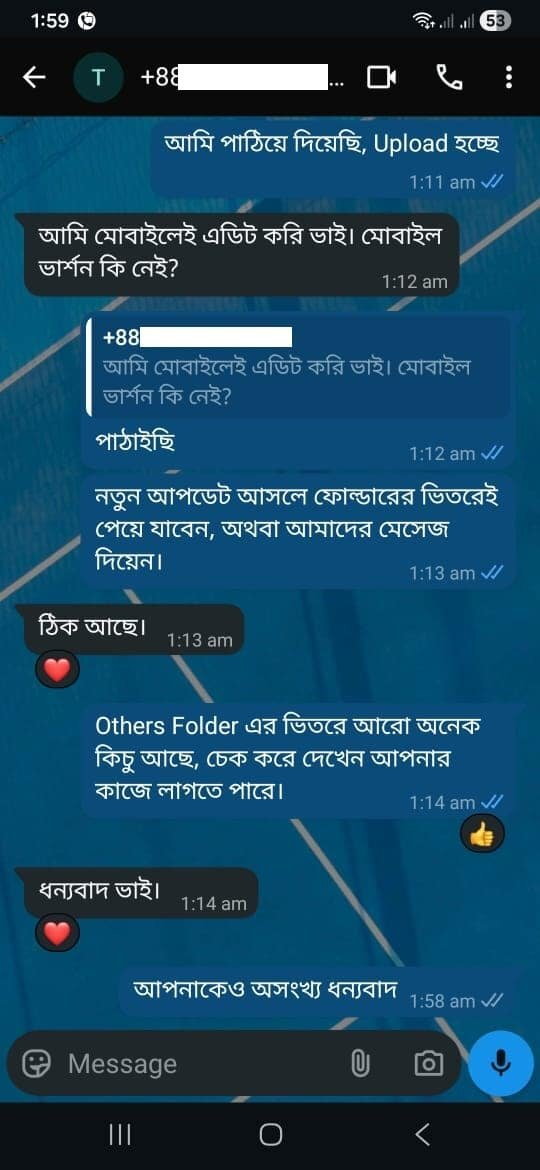
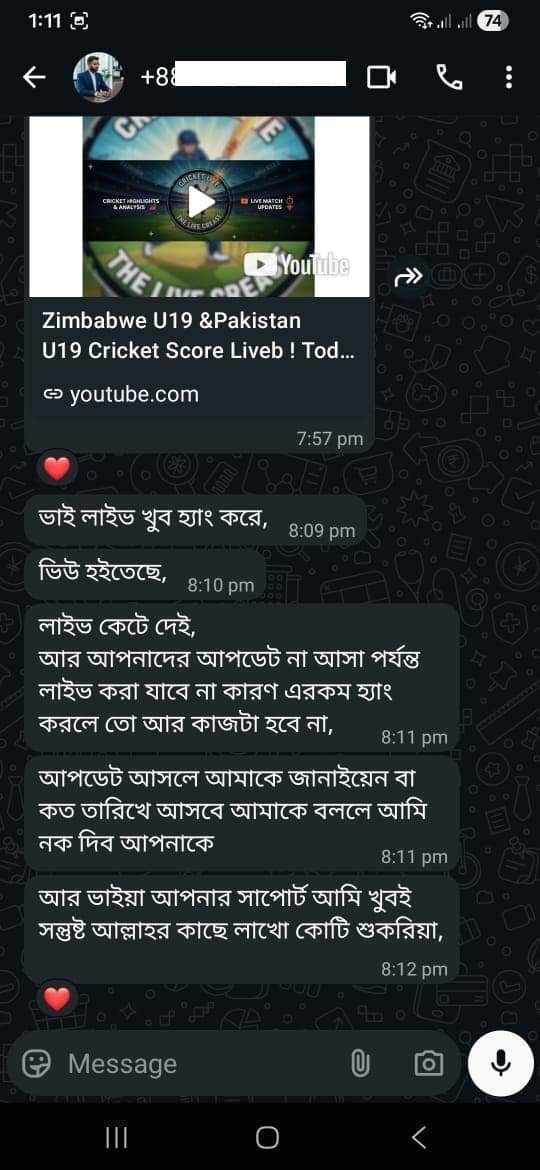
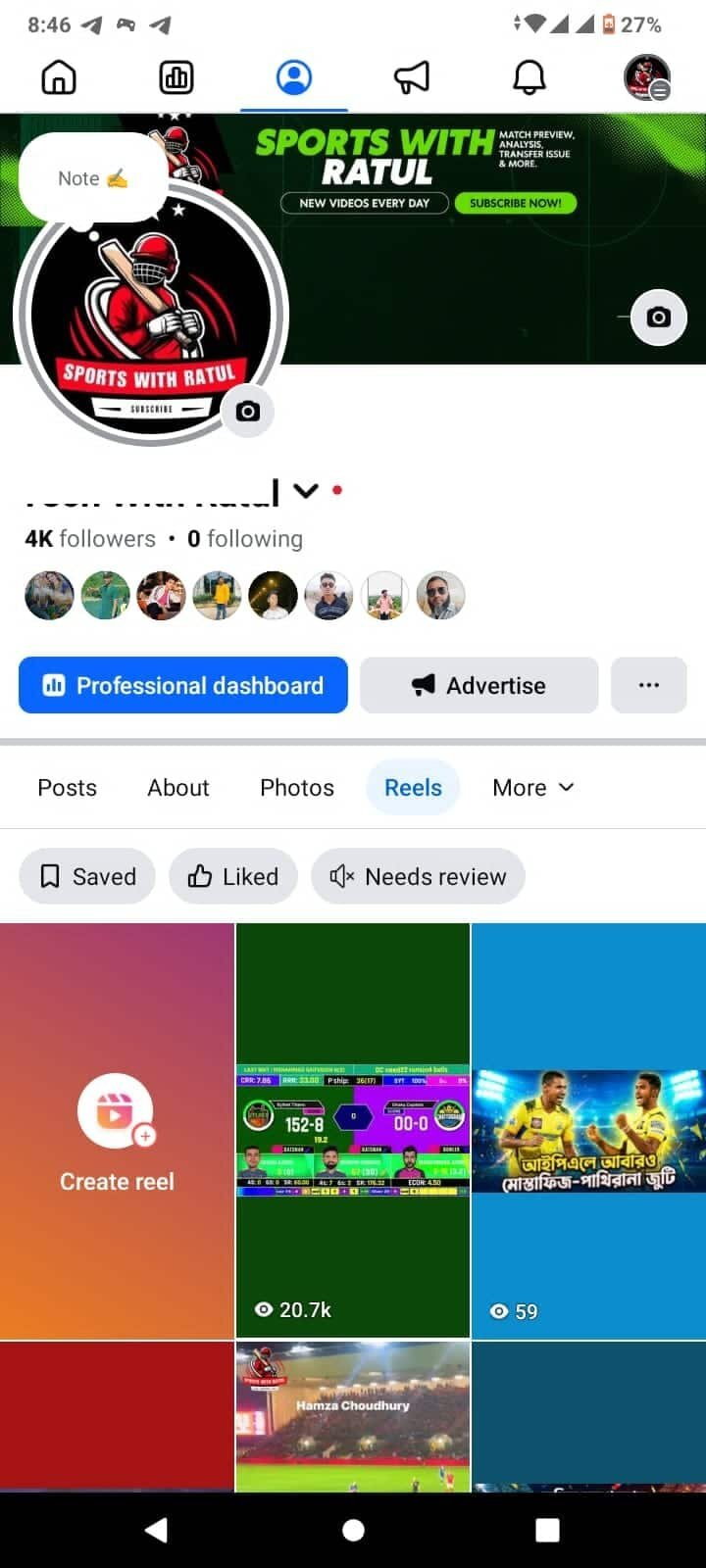
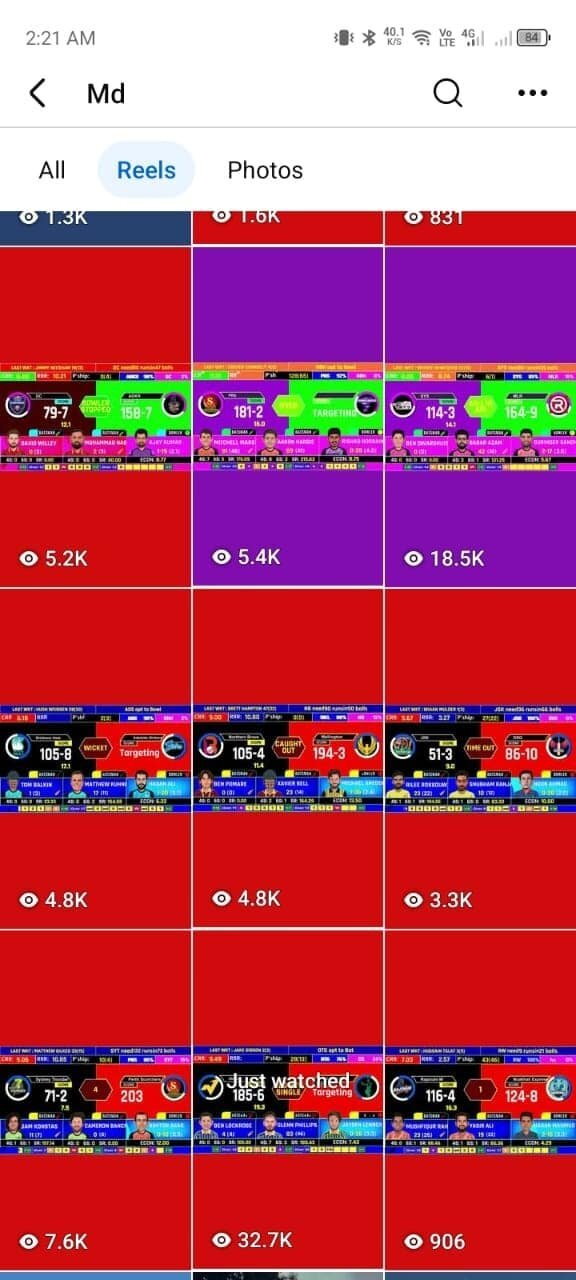
🔥 Real Results from Our Community

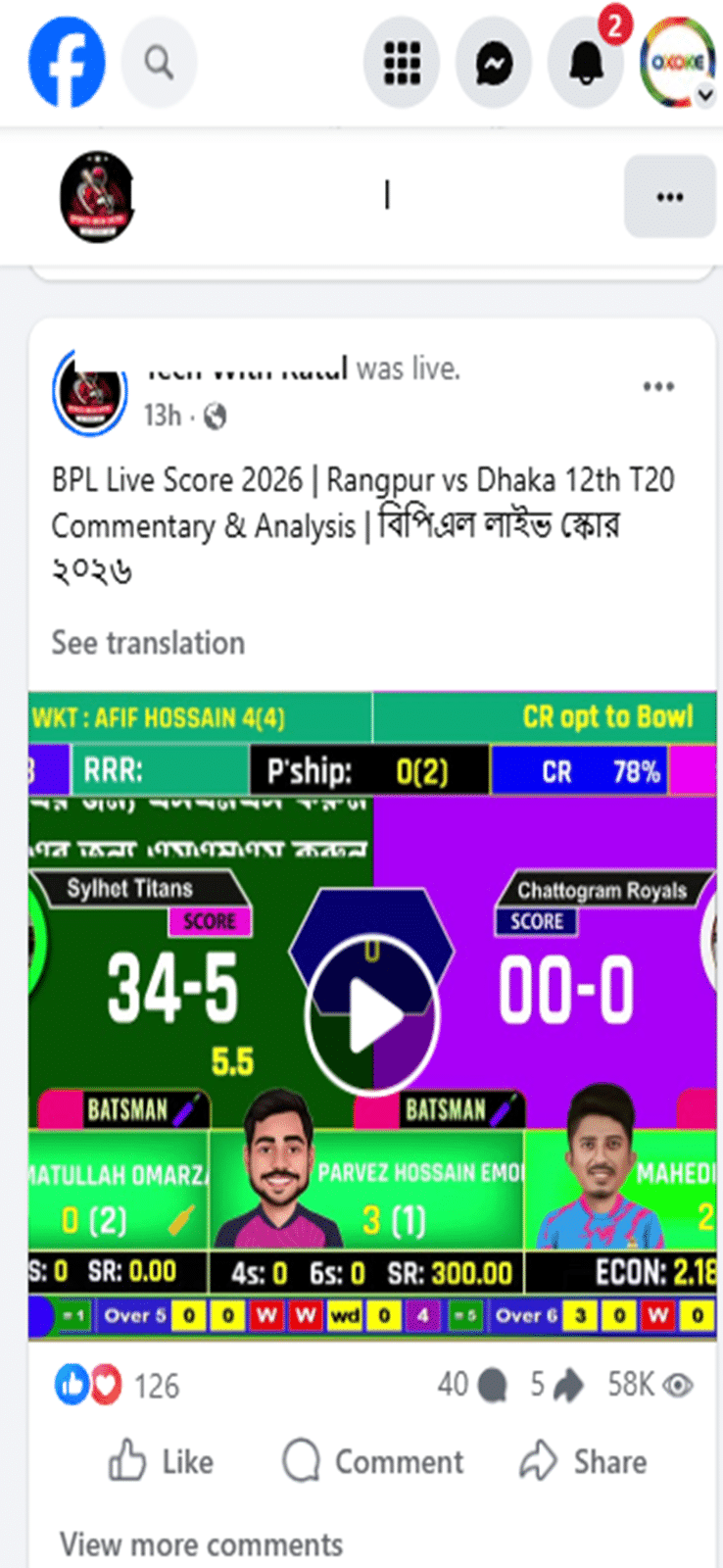
Starting views of 5K, 11K, 20K, 30K+ —
proof that with the right setup and consistent live streaming,
Cricket content still gets strong organic reach.

👉 These are not income screenshots

👉 These show real reach & views only

We provide a safe template + proper guidelines.
Actual results depend on how you apply them.

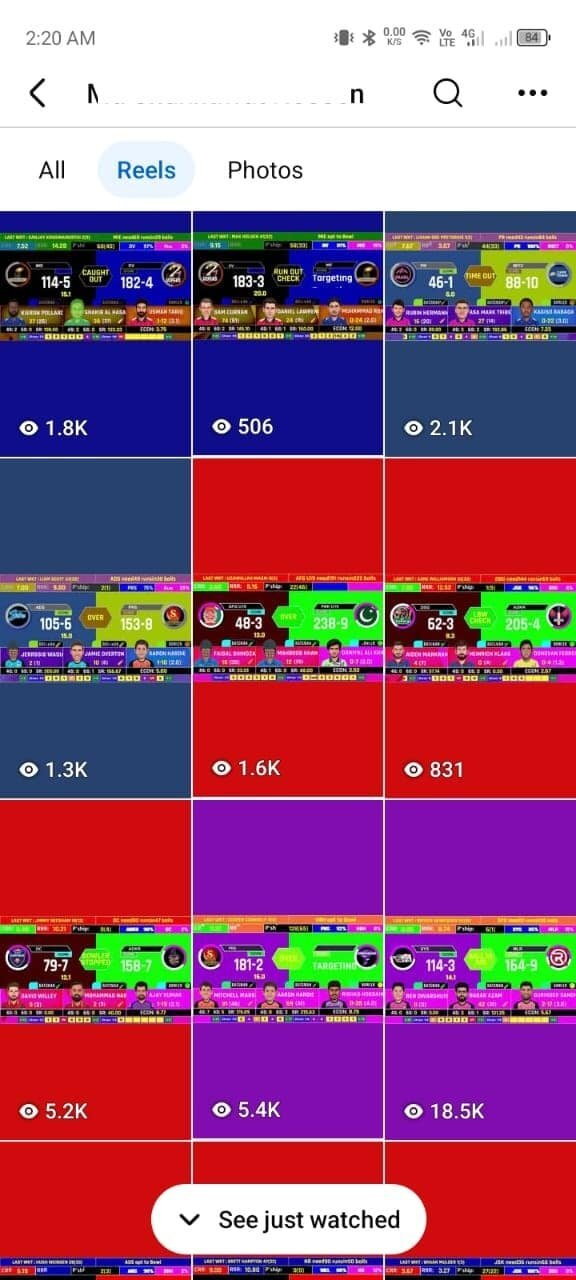
Recent Results

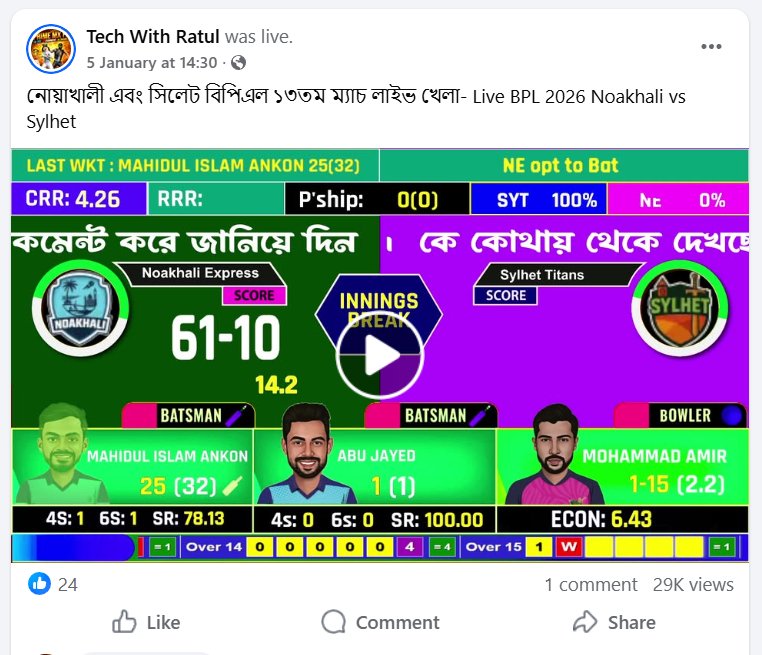
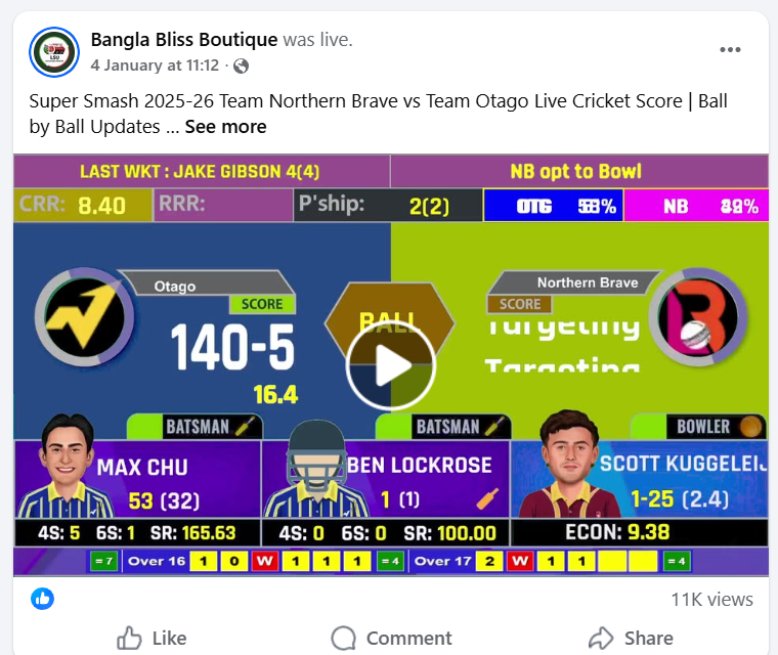
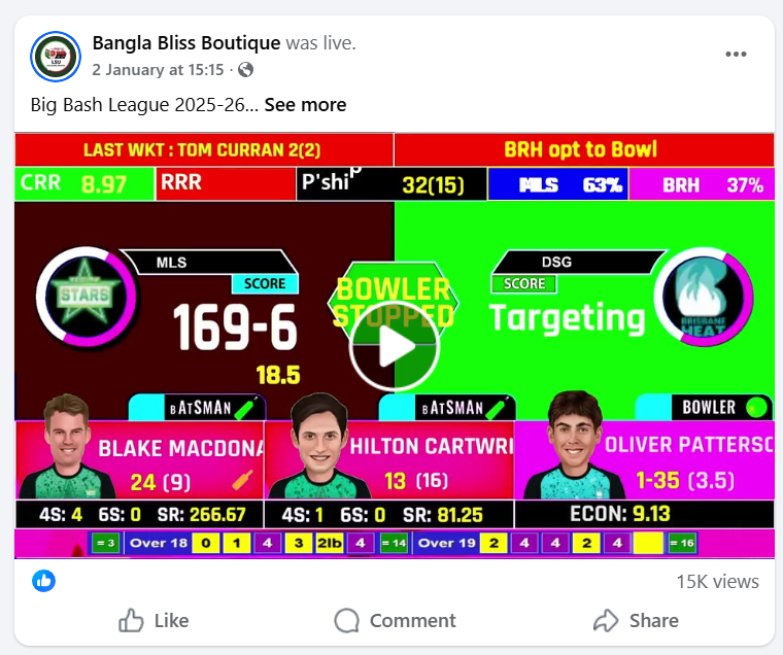
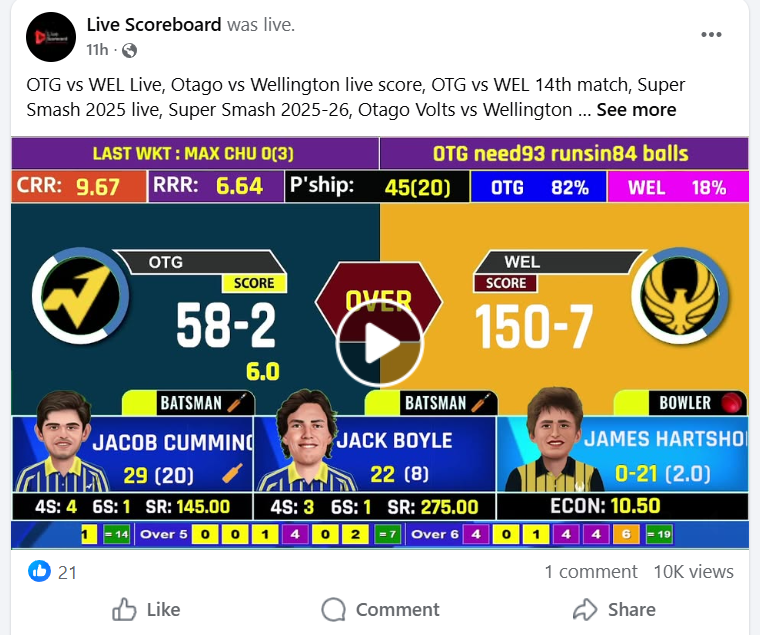
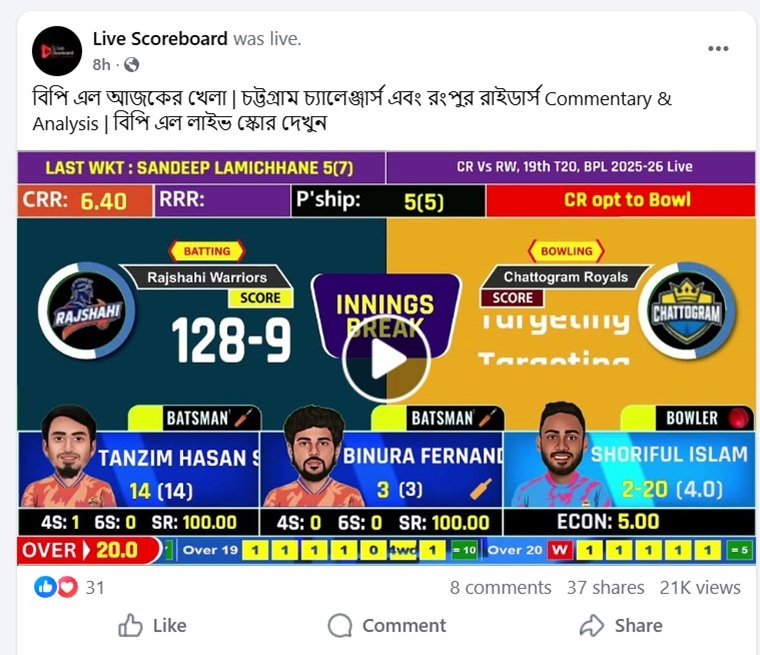
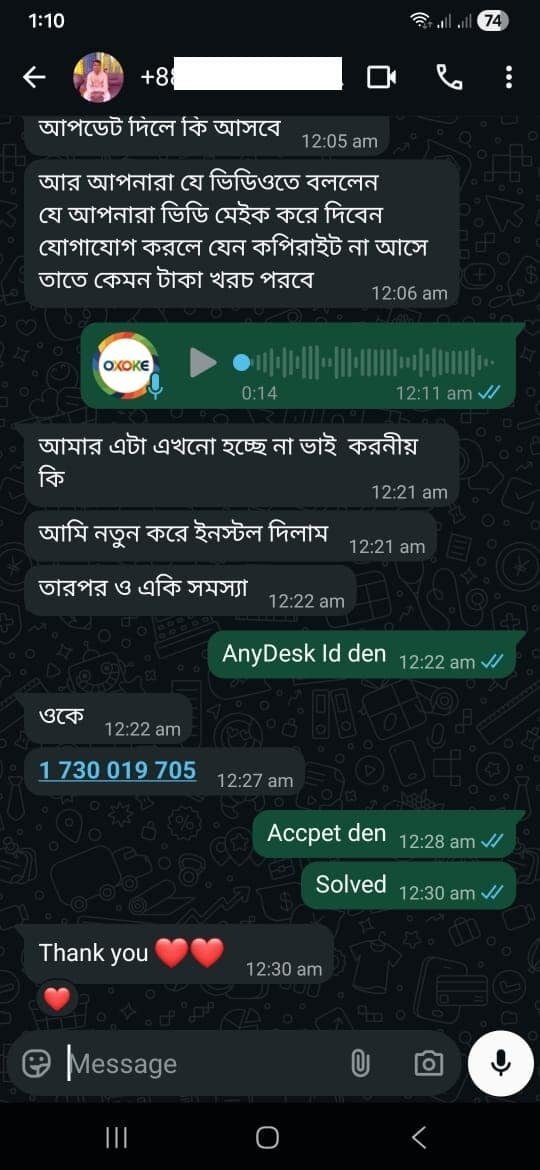
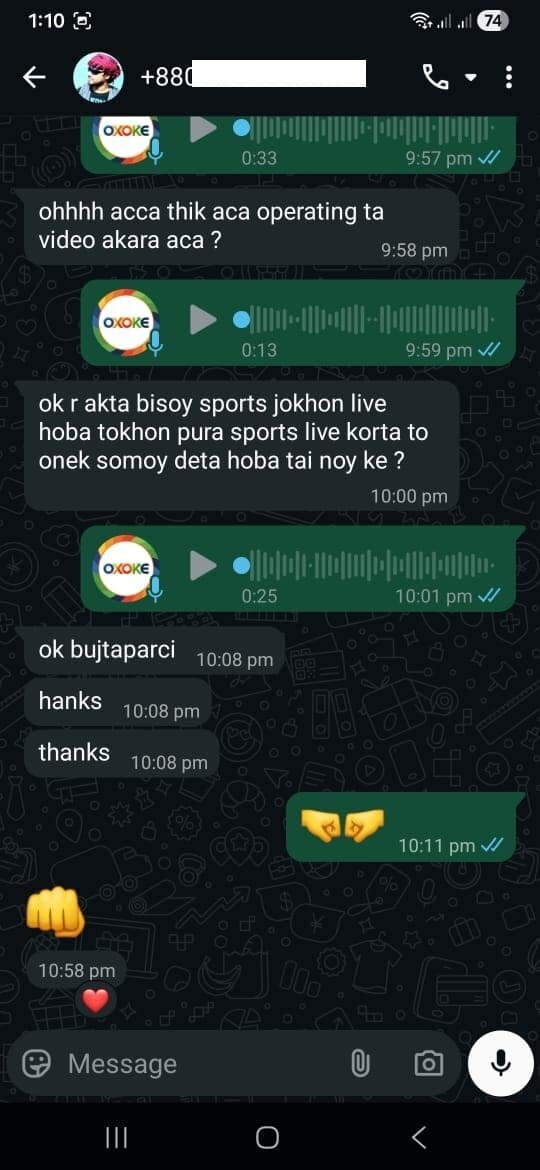
🔥 Recent User Results:

Starting with 5K, 15K, 20K, 30K plus views
These results show that with the right setup and regular live streaming, Cricket content still gets strong reach.

👉 These are not income screenshots

👉 These are real reach and view results only

We provide a safe template with proper guidelines.
Income depends on how the user applies and uses it.
✨ FEATURES

Everything You Need to Go Live Like a Pro

Professional broadcasting tools made simple — built for Indian cricket streamers

🚀

Auto Cricket Engine

No manual updates. Everything runs automatically in real-time.

🎥

OBS Ready Template

Plug & play system with instant setup — ready in minutes.

Fast & Easy Setup

Install EXE file and start streaming instantly. Zero hassle.

📈

Grow Your Channel

Perfect for YouTube & Facebook cricket streaming success.

🏏 StreamFlow Cricket Live
Choose the Right Plan
for You
Pick the perfect plan for your needs — Start streaming professionally today
Starter
StreamFlow AI Cricket
Overlay – Starter Edition
Starter Edition — 1 Year Access
Offer Price
Original:
Score & Live Features
  • CRR, RRR, Partnership & Score
  • Total Run Score
  • Total Over Score
  • Over Timeline
  • Live Status (Four / Six / etc.)
  • Need Runs Status
  • Last Wicket Status
Player & Visual
  • On Strike Batsman Photo & Scores
  • Non Strike Batsman Photo & Scores
  • Bowler Photo & Scores
  • Flags
  • Winning Probability
AI & Commentary
  • Auto Commentary
  • AI VoiceOver Ball by Ball
  • Total Voice Model: 40
  • Country Name & Match Info
  • Two Scenes (Before Match Start, Streaming Match)
  • Priority Support (Late Response)
Advanced Features
  • Playing 11 Player Face
  • Match Summary
  • Custom Template Design Tutorial, Import, Export
🚀 Get Started – Starter
⭐ Best Value
StreamFlow Cricket Live
Template Pro (AI + Full Package)
Complete AI Power Pack — 1 Year Access
Offer Price
Original:
Score & Live Features
  • CRR, RRR, Partnership & Score
  • Total Run Score
  • Total Over Score
  • Over Timeline
  • Live Status (Four / Six / etc.)
  • Need Runs Status
  • Last Wicket Status
Player & Visual
  • On Strike Batsman Photo & Scores
  • Non Strike Batsman Photo & Scores
  • Bowler Photo & Scores
  • Flags
  • Winning Probability
AI & Commentary
  • Auto Commentary
  • AI VoiceOver Ball by Ball
  • Total Voice Model: 45+
  • Country Name & Match Info
  • Two Scenes (Before Match Start, Streaming Match)
  • Priority Support (Fast Response)
Advanced Features
  • Playing 11 Player Face
  • Match Summary
  • Custom Template Design Tutorial, Import & Export
🏆 Get Full Package – Pro
Feature Comparison
Feature Starter Pro
CRR, RRR, Partnership, Score
Total Run / Over Score
Over Timeline
Live Status (Four/Six/etc.)
Need Runs Status
Last Wicket Status
Batsman & Bowler Photos
Flags
Winning Probability
Auto Commentary
AI VoiceOver Ball by Ball
Voice Models4045+
Country Name & Match Info
Priority SupportLateFast ⚡
Playing 11 Player Face
Match Summary
Custom Template (Tutorial, Import, Export)
💡 Note: To use your own custom templates or switch templates daily without any hassle, you need to unlock the Custom Template Feature — available exclusively in the Pro plan. Start with Starter, upgrade to Pro anytime.

👉 Complete Your Order Securely

File Download করতে নিচের ফর্মটি পূরণ করুন

StreamFlow™ Live Cricket Scoreboard Template – Starter Edition

StreamFlow™ Live Cricket Scoreboard Template – Starter Edition

1,925.00 615.00

Best Value
StreamFlow Cricket Live Template Pro (AI + Full Package)

StreamFlow Cricket Live Template Pro (AI + Full Package)

2,695.00 1,539.00

Billing details

Your order

Product Subtotal
StreamFlow™ Live Cricket Scoreboard Template – Starter Edition  × 1 615.00
Subtotal 615.00
Total 615.00
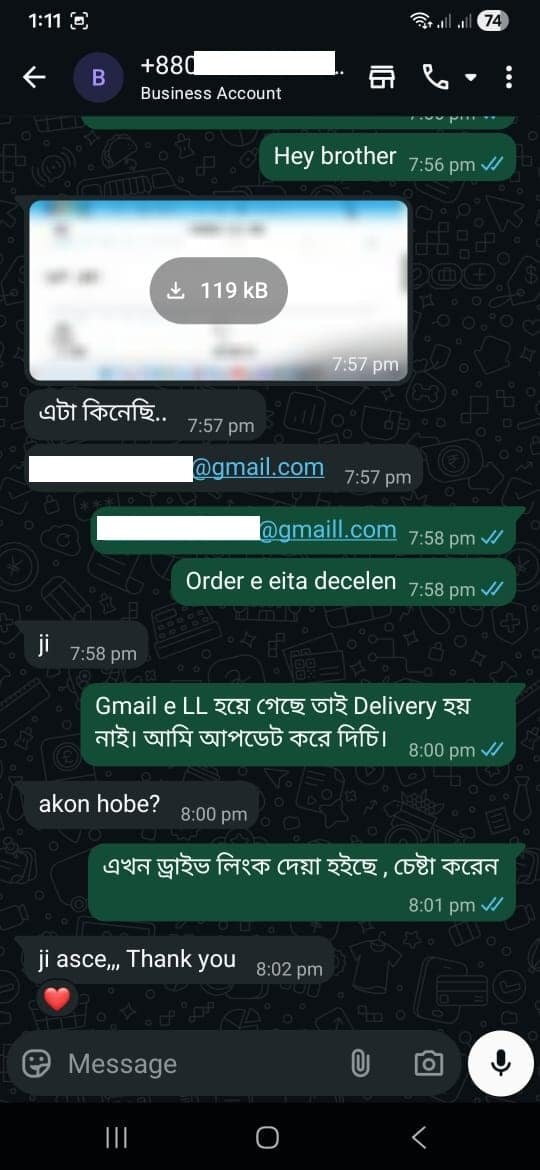
  • Supports: BTC • ETH • USDT • More

100% No-Risk Money Back Guarantee!

You are fully protected by our 100% No-Risk Money Back Guarantee. If you don't like our products over the next 3 days, then we will gladly refund your money. No questions asked!

3 Days Money Back Guarantee
100% Satisfaction Guaranteed
24/7 World Class Support Team
Md Masum Khan
Supto Purakayasto
Operations-OXOKE
All Oxoke Team
All Oxoke Team
Co-Founders, OXOKE

* A 30% processing fee applies. The remaining balance will be refunded accordingly.

Money Back Guarantee
FAQ Section
🏏 Got Questions?

Frequently Asked Questions

Everything you need to know before getting started.

Can StreamFlow work with OBS Studio?

Yes. StreamFlow is specifically designed to work seamlessly with OBS Studio. Simply import the provided browser source or overlay files into OBS, connect your scoring panel, and your live cricket scoreboard will update automatically during the match. No advanced OBS knowledge is required.

How do I add a cricket scoreboard overlay to OBS?

Adding a cricket scoreboard overlay with StreamFlow is simple:

  1. Install and launch StreamFlow.
  2. Open OBS Studio.
  3. Add the provided StreamFlow overlay as a Browser Source.
  4. Connect your scoring panel.
  5. Start updating scores in real time.
Once connected, StreamFlow automatically displays live scores, batsmen statistics, bowling figures, overs, run rate, and match information on your stream.
Does StreamFlow support YouTube Live?

Absolutely. StreamFlow works perfectly with YouTube Live streams through OBS Studio. Whether you're streaming local tournaments, club matches, school competitions, or professional events, your viewers will see a professional live cricket scoreboard that updates instantly as the match progresses.

Does StreamFlow support Facebook Live?

Yes. StreamFlow is fully compatible with Facebook Live. Simply stream through OBS Studio, and your live cricket score overlay will appear directly on your Facebook broadcast. All scoreboard updates happen in real time without requiring manual graphic changes.

Is StreamFlow better than manual score overlays?

For most streamers, yes. Manual score overlays require constant editing during a match, which can lead to mistakes and distract operators from managing the stream. With StreamFlow you get:

  • Automatic scoreboard updates
  • Faster match management
  • Reduced human errors
  • Professional broadcast graphics
  • Real-time player statistics
  • Better viewer experience

This allows stream operators to focus on production instead of constantly updating scores.

Does StreamFlow auto-update scores?

Yes. StreamFlow is built around automatic score updating. As scores are entered through the scoring panel, the overlay instantly reflects changes on your OBS stream. This includes runs, wickets, overs, batsmen statistics, bowling figures, team names, match status, and other scoreboard elements.

Do I need technical experience to use StreamFlow?

No. StreamFlow is designed for beginners and professionals alike. Most users can complete setup within a few minutes using the included setup guide and video tutorials.

Can I customize the scoreboard design?

Yes. Depending on your package, StreamFlow allows customization of colors, logos, team names, tournament branding, and various overlay elements to match your event or channel identity.

Does StreamFlow work for T20, ODI, and Test matches?

Yes. StreamFlow supports multiple cricket formats, including T20, T10, One Day, and longer-format matches. The scoreboard automatically adapts to match requirements and scoring needs.

Will I receive updates after purchase?

Yes. StreamFlow customers receive product updates, improvements, bug fixes, and support according to their purchased package. This helps ensure compatibility with the latest OBS Studio versions and streaming requirements.

Can I use StreamFlow for local cricket tournaments?

StreamFlow is designed for live cricket streaming rather than tournament management. It works best for streamers who want to display professional live score overlays, player statistics, and match information on YouTube Live, Facebook Live, and other streaming platforms through OBS Studio.

Is there a refund policy?

Yes. StreamFlow includes a money-back guarantee period. If the software does not work as described and our support team cannot resolve the issue, you may be eligible for a refund according to our refund policy.

What makes StreamFlow different from other cricket score overlays?

StreamFlow combines ease of use, professional broadcast-quality graphics, real-time score updating, OBS compatibility, tournament-ready features, and dedicated support in a single solution. It is designed specifically for cricket streamers who want a reliable and professional live scoring experience.